

Access Control Software

Secure your facility with Access Control

Smart security access control enables you to provide your members with a safer and streamlined customer experience at your gym or studio.

Kisi integration illustration.
Decorative background.

Why Access Control for your facility?

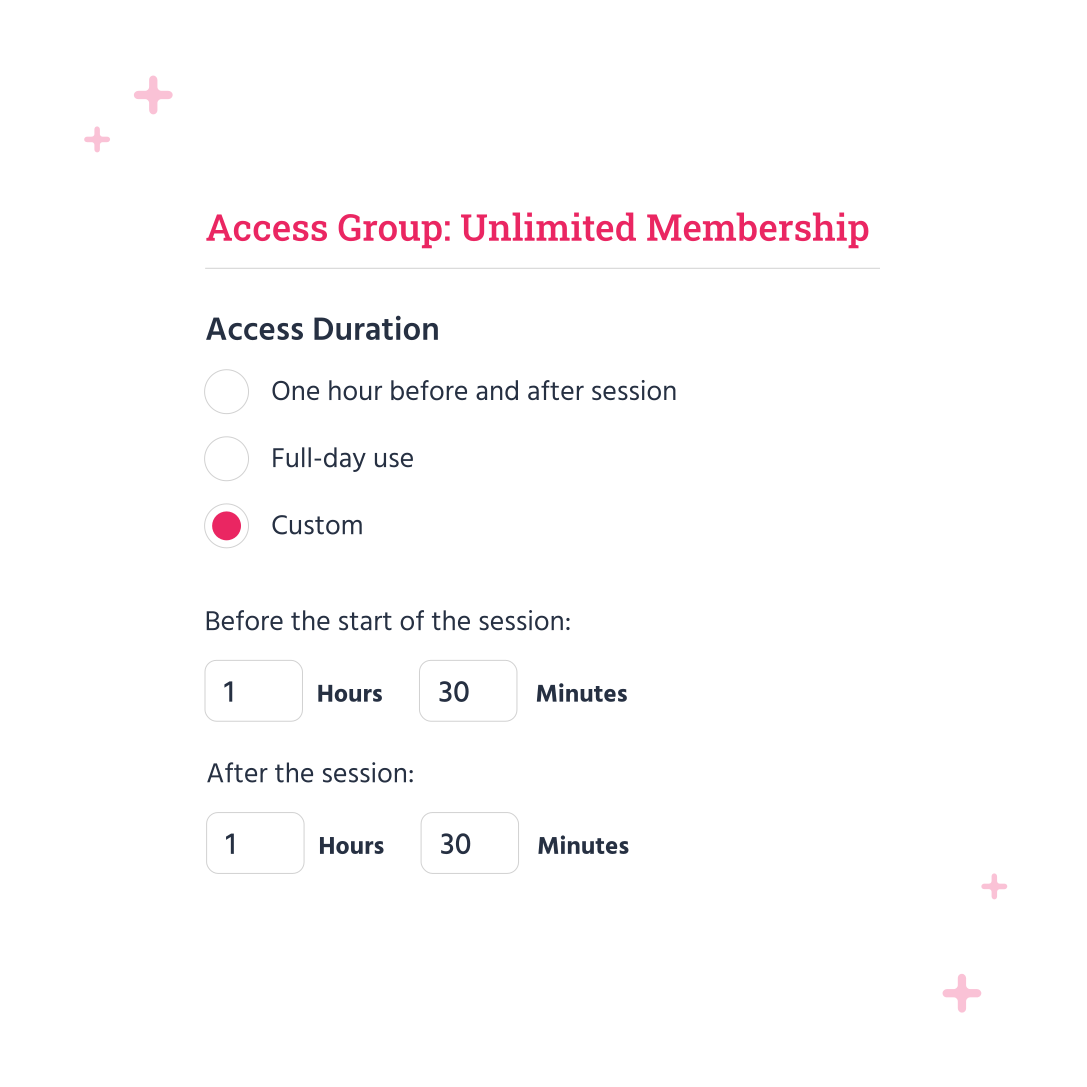
Smart security software installed at your facility's entry points allows you to control when and who can enter your space. Synced with your TeamUp account, you have the ability to set access periods by membership types and registrations.


API feature hover icon.

Everything integrated

Kisi's smart security is integrated into your TeamUp account to make managing access to your facility streamlined and seamless.

Person / member icon

Easy for you

And your clients too! Access periods are customizable and only require your members to have an access device to enter when they're permitted.

Brush icon.

Flexible by design

You choose which memberships have access and when, plus use your detailed reports to stay informed on usage, attendance, and performance.

Stopwatch icon

Less time spent on pre-class admin

Means more time spent with your clients. Having clients check themselves in at the door gives you time to prepare and start class on time.

Shield icon.

Complete transparency

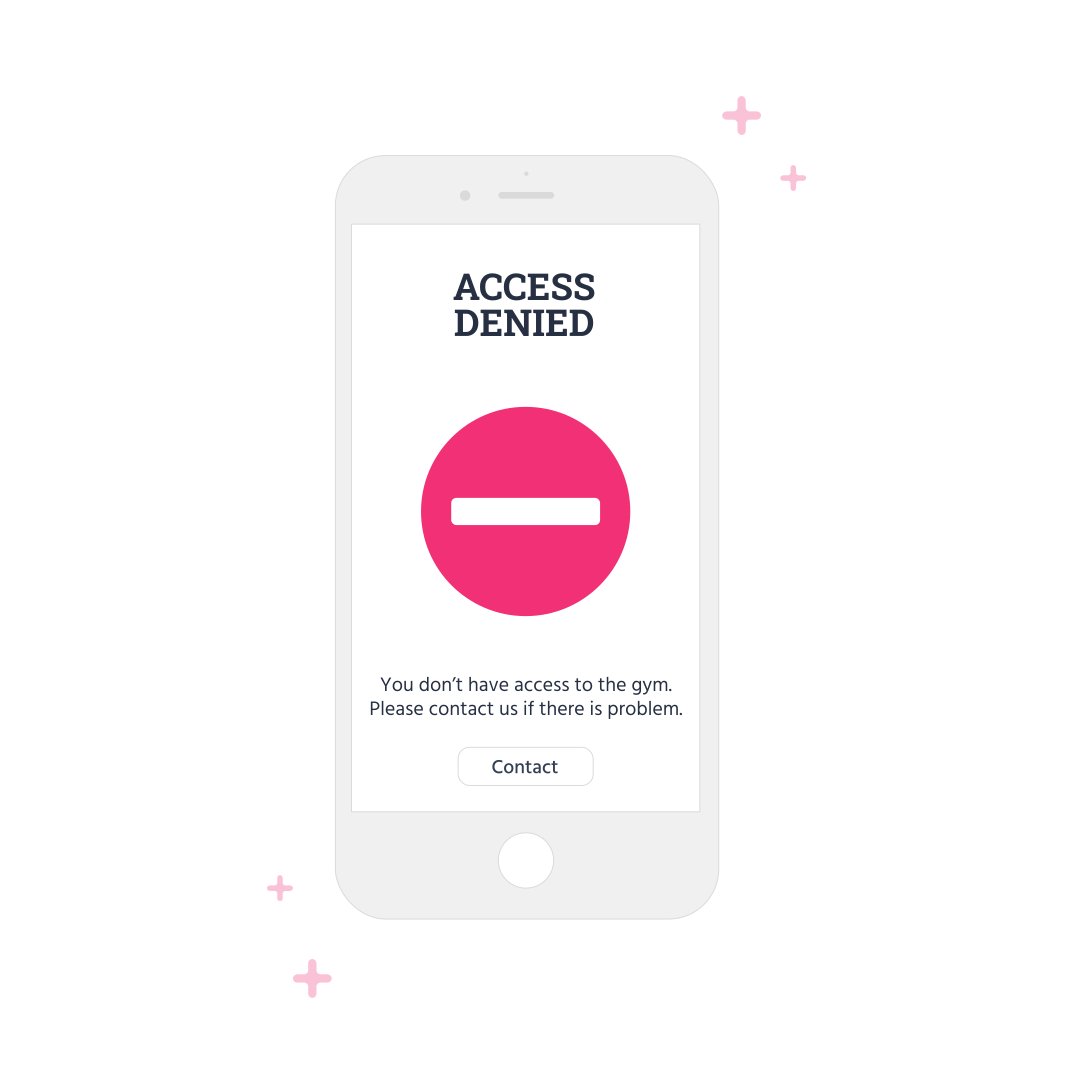
Your clients know when they do or don't have access or if they need to make a payment before they can return and enjoy your facility.

Complete control over access

Smart security means you have control over who is in your facility at all times. Straightforward access setup helps you build a safer experience for your members and reduce your admin.

Access control complete control over access illustration.
Decorative background.
Access control open gym 24 hours illustration.

Open gym and 24/7

Simplifying your open gym or 24/7 gym policy has never been easier than with Access Control. Offer your customers memberships that allow them to enjoy your facility at any time, and monitor members taking advantage of this generous usage.

Decorative background.

Manage access on any device

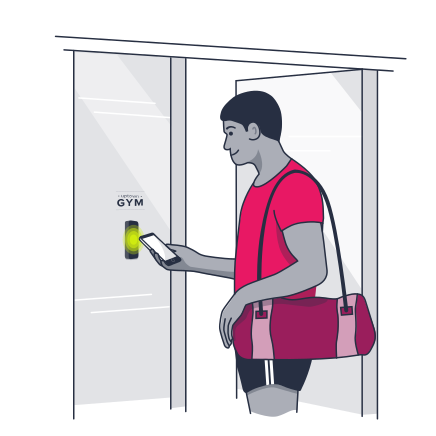
Cloud-based functionality means you can use your phone, tablet, or desktop device to manage your members' access and stay up to date with your security measures. Using a Kisi access device such as a fob, key, or mobile app, your members will have no trouble getting into your facility when it's time.

Access control manage on any device illustration.
Decorative background.
Access control set permissions illustration.

Set permissions automatically

Setting up your staff and member access is quick and easy and once it's done, runs completely automatically. No wasted time on verifying each member's access, no time spent before class checking everyone in manually. Set it up once in your TeamUp account and watch it sync in real time.

Decorative background.

Prevent unpermitted access

Stronger smart security ensures members, staff, and even non-members who shouldn't be in your facility at a given time won't be. You have the power to permit or deny entry to non-paying or blocked members, while also giving drop-in customers an easier way to get started and get access on day one with everything done online.

Access control prevent access illustration.
Decorative background.
Kisi logo.

The strongest system to ensure your community's safety

Kisi is the number one rated smart security system for fitness facilities. Your community deserves the best of the best and using their smart technology hand in hand with your TeamUp account ensures you, your members, and your staff are safe and secure in your facility at all times.

Decorative background.

All the fine details that you need to protect your business

1

Access tailored to your memberships

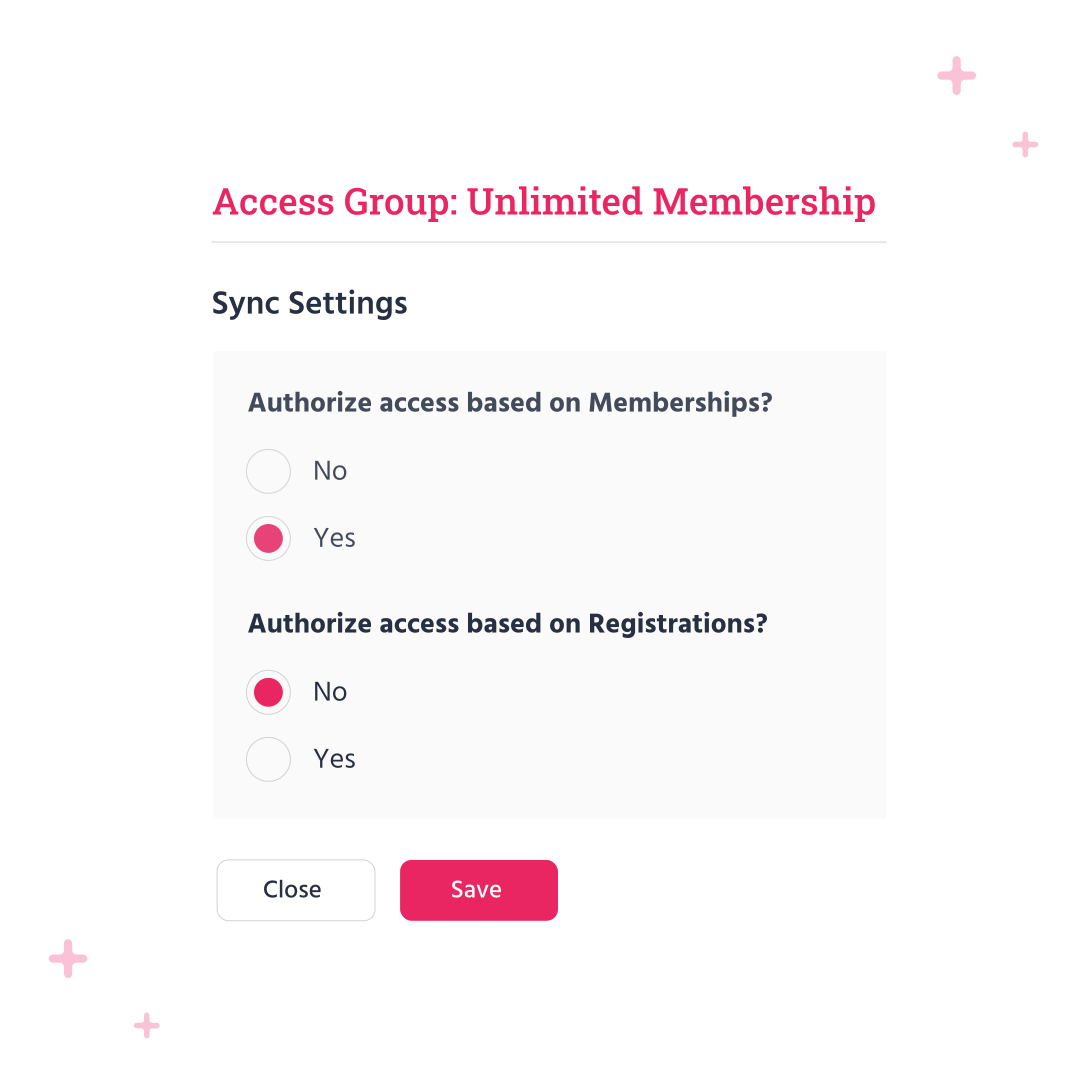
Customize your access groups and access periods to your memberships and upcoming registrations. Members know when they can and cannot enter your facility and will be notified before a class or session that it's time for class.

2

Know exactly who is at your facility

Kisi's control center and your TeamUp reports give you a full view of usage and attendance so that you know who is in your facility at all times. No surprises, no unwelcomed guests, and no non-paying customers are permitted entry unless you say so.

3

Take advantage of open gym

With smart security, offering services such as open gym and 24/7 access is made easy so long as your members have the membership that gives them this generous accessibility to your facility.

Chalk white lines decorative graphic.

Exceed your clients' expectations.

Decorative lines graphic.

A system that just fits

Having one place to manage your memberships, payment methods, form and waiver collection, and client details will add value to both your and your clients' experience. Clients will love how quickly it is to go from registration to confirmation, and you can enjoy the benefits of a system that works for you in all aspects of your business.

Online booking feature hover icon.

Website sign-up

Clients can gain access with their new membership to your facility in real time

Memberships icon

Venues and rooms

Set up smart locks at every entry point of your facility for optimal security

Appointments feature hover icon.

Instructor availability

Set and manage instructor access permissions

SMS notification icon

Online register

Mark off attendance or no-shows on any device and know who is coming through your door

Feature icon.

Class management

Reminders and pre- or post-class notifications for clients and coaches

Feedback / heart rating icon

Plays nicely with others

Set up access for memberships and upcoming registrations for classes, appointments, and courses

Customers feature hover icon.

Pre-registration

Set client forms or waivers per membership prior to class day and give them access ahead of time

Credit card / payment icon

Payments

Disable non-paying or late payment members from entering until they've paid

People icon.

Memberships

Customize access groups and access periods by membership type

Yoga icon

Simplicity

Make it easy for members to scan in and come to class on time

Memberships feature hover icon.

Client relationship management

See which access groups clients are in on their profiles and memberships

Reviews / ratings icon

Activity Feed

See when and what your members are booking and know when they'll be coming to your facility

Member app feature hover icon.

Mobile app

Native App for iOS and Android included and synced with your smart security

Filled pie chart icon

Reports

Track your most popular access periods and usage

Gyms hover icon.

All core features included

Enjoy all the core TeamUp features, regardless of your price plan

Link icon.

Integrations

All the integrations you need including Kisi to enable your smart security

Thick screens icon.

All-in-one

Manage your memberships and their access all in one place

API feature hover icon.

Automations

Automate all communications - just turn up and get ready to start class

Alarm icon.

Waiting Lists

Manage popular time slots automatically, messaging via mobile app or email with access updating in real time

Brush icon.

Marketing

Promote classes and one-on-one sessions directly on social media with discount codes

Star icon

Customer referral program

Members refer new members to your business daily

Decorative image.

Unleash your potential with TeamUp

  • Software that empowers the world’s best providers of group fitness experiences
  • Simply offer a variety of classes and save 8+ hours a week on administrative tasks
  • Get set up, including your data migration, quickly and easily with our experts
  • Provide a seamless registration experience for your customers
AWARD-WINNING SOFTWARE FOR your STUDIO
Editable date icon.
Software Advice award badge.
G2 High Performer Summer 2025 UK Award

Simplify your customers' experience at your facility

Integrate smart security into your booking software.

Decorative lines graphic.

Frequently asked questions

Do my members and staff need a Kisi account?

Yes! After setting up your Kisi business account and syncing it with TeamUp, when you create an access group in Kisi you have the option to email invite your members to create a Kisi account, or can wait until you set your permissions in TeamUp where all members included in that access group will be email-invited automatically. For your staff, you can email invite them from your Kisi account as they will not be included in a membership or upcoming registration.

How do my customers get a Kisi access device?

Once you set up your Kisi account, you’ll have the option to select the type of access device required to enter your facility, either a key card, fob, or the Kisi mobile app. If you choose the Kisi key card or fob, you’ll receive your items and then be able to distribute them to your members. If you choose to use the Kisi mobile app, they’ll only need to download the app and scan it at your Kisi locks to be granted entry.

Can I create multiple access groups?

Good question! In Kisi you can set up as many access groups as you’d like and set the permissions for each group in your TeamUp account.

Can I assign certain members to my access groups in TeamUp?

To create an access group you will need to do so via your Kisi account. Once your access group is made, it will automatically sync with your TeamUp account where you’ll be able to set the permissions for your access group. You cannot create, edit, or delete any access group from within your TeamUp account, it must be done in Kisi. Here is a helpful support guide that walks you through these set-up steps.

Can I use access control for upcoming appointments and course registrations or only classes?

Yes! You can authorize access based on class, appointment, and course registrations.

Can I create access permissions for drop-ins?

Yes! If you have created a membership type for drop-ins or allow drop-ins on upcoming registrations, you can give those attendees access. Prior to the class they will be invited to Kisi and will need to create an account and download the Kisi app to enter your facility on their own.

Can I create access permissions for specific rooms in my venue?

When creating your Kisi access groups you can create “Doors” and select which access groups can access which doors or rooms in your facility with their access device.

What reporting is available for monitoring my access control?

In your Kisi account, you can monitor the usage of your devices and access.

Will new clients automatically be invited to Kisi?

Yes! Your customer data syncs in real-time so any time a new client or member purchases a membership included in one of your access groups or registers for a class or appointment assigned to your access group, they will be automatically invited to create a Kisi account and receive access to your facility.

How do I get Kisi installed at my facility?

When you purchase a plan with Kisi, they will provide all installation assistance and instructions. You can get a quote from Kisi here to begin the installation process.