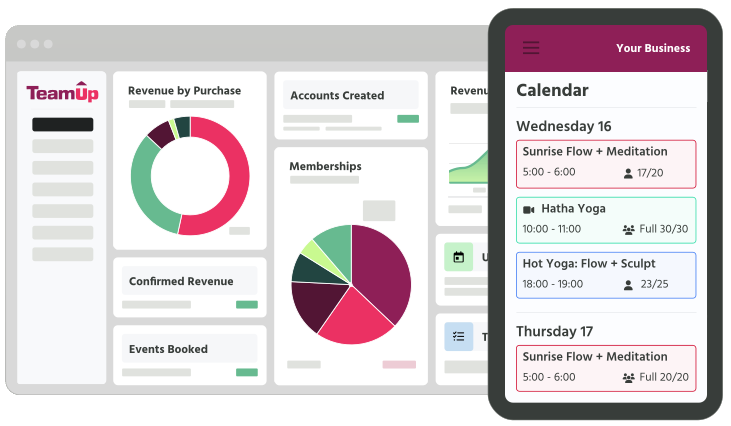



Collect information from your customers in the right place, at the right time

Llo payment mobile graphic.
Decorative background.

Your business, customized

Make your signup experience match the personal approach you take to your classes. Add or amend any form and control all the information that is collected about your clients. Be completely compliant with GDPR and privacy rules with our policy tool.


Waivers illustration.
Llo waivers graphic.

Safety always! Waivers and ParQ

Protect your customers and your business with exactly the right waivers. Sign waivers digitally online and automate ParQ collection. Match waivers or safety questions to specific classes or memberships, and add custom questions as required. Make it compulsory to have completed safety requirements before booking classes.

Ask the right questions

What do you need beyond emergency contact details? Age? Experience? Favorite music? With customizable forms and fields, you can edit or add any question to be asked at any time. Automatically re-ask questions on a schedule in the future. Keep up to date and keep your business protected.

Waivers illustration.
Waivers 01 illustration.

Keep track of injuries

TeamUp includes an issue tracker to see at a snapshot any pertinent medical or life details. Track injuries, allergies, and more, and see all the info right on the class register.

TeamUP Gave Me Control

Hero image.
With TeamUp, it's all there. I can see customer email addresses, what membership they're on, when they registered, and all their notes about injuries and stuff. I didn't really sign up for that reason, but now I see it's the most helpful thing. It means that every class I go to, I know exactly what's going on. I can contact them easily, I can reach out to them with marketing. I can send emails with MailChimp, automatically. It's all there.
Zoe Fairlamb
Ankor Pilates
Decorative background.

Deliver a great experience to your clients.

Decorative lines graphic.

A system that just fits

Document check icon.

Custom forms

Add any custom form and add any custom fields

Link icon.

Integration ready

Send your custom data to any of our integrations including Zapier

Memberships feature hover icon.

Sign-up

Create a customized sign-up experience

Speech bubble icon

Contact information

Collect contact information including address

Multiple profiles icon.

Emergency contacts

Automatically collect and keep up to date

Heart with quote icon.

Notifications

Alerts for any changed details

Document icon.

Reporting

Customized reports to analyse details

Barbell / weights icon

All core features included

Enjoy all the core TeamUp features, regardless of your price plan

Thick screens icon.

Online waivers

Collect online waivers and sign online

Verified / shield with checkmark icon

Privacy

Automated privacy policy opt-in

Penalty system feature hover icon.

Injury tracking

Keep track of injuries and other important details

Verified / shield with checkmark icon

Secure

Only allow permitted staff members to see customer details

Thick screens icon.

Website sign-up

Clients can sign up and manage their accounts from your site or the member app

Decorative image.

Unleash your potential with TeamUp

  • Software that empowers the world’s best providers of group fitness experiences
  • Simply offer a variety of classes and save 8+ hours a week on administrative tasks
  • Get set up, including your data migration, quickly and easily with our experts
  • Provide a seamless registration experience for your customers
AWARD-WINNING SOFTWARE FOR your STUDIO
Editable date icon.
Software Advice award badge.
G2 Users Love Us 2025 award badge

Book a Demo.

Explore all of TeamUp's core features

Decorative lines graphic.

Frequently asked questions

Can customers sign waivers digitally?

Yes! When creating a waiver, mark the checkbox that requires customers to sign the form digitally. They will then be prompted to use the cursor to write their name/initials when completing the waiver.

Can I view and download PDF copies of signed waivers?

Yes, you can view and download PDF files of completed waivers from the Signed Waivers report.

Can I edit the signup form to collect phone numbers?

Yes, you can edit any form in TeamUp. You have full control to add or change fields.

Do I have to collect gender or other fields?

At TeamUp we have a motto: only collect the information that you need, when you need it. If any piece of information is not needed for your classes, then you can switch it off. Usually the only necessary fields are email and name.

Can I amend my waiver and get existing clients to re-sign it?

Absolutely! To do this, add a new waiver and then archive the old one. All clients present and future will have to sign it when they next come to book or purchase. You can also customize waivers depending on the class type or membership.

I run kids classes. Can I keep track of things like allergies?

Yes, you can use the issue tracker to track all important details including allergies. Issues flagged as important will be visible on the class register and customer profile.

Can I add a questionnaire to find out more about…?

Yes, you can add any number of custom forms and fields. There is a huge range of options of types of questions and answers. We make some recommendations in this article.