Three simple steps to accept card payments in person
Your point-of-sale hardware is linked with your online booking software, making for frictionless transactions and a more connected business.


Say yes to customers paying by credit or debit card and Apple or Google Pay at the front desk of your gym or studio. Boost customer satisfaction, speed up transactions, and simplify your admin with TeamUp's connected POS system.


Your point-of-sale hardware is linked with your online booking software, making for frictionless transactions and a more connected business.
Order the hardware directly from Stripe.
Connect your card payment machine to your TeamUp account in a few simple steps.
Have your clients tap to pay using their card, smartphone, or wearable.
Improve the member experience and spend less time on finance admin.


Remove the need for clients to carry cash. Facilitate in-person purchases—and boost your revenue—by offering the most popular and secure payment methods.

Pair the POS terminal with your TeamUp account, assign it to your fitness business location, and start taking card payments at your front desk.

View all your sales in a single report. Reduce the time spent on admin with automated transaction tracking in your TeamUp account.
It's all about making sales transactions as quick and as easy as possible. Accept all major credit and debit cards as well as digital wallet payments and grow your gym or studio's revenue. Prioritize convenience by moving away from cash-only in-person payments. Let customers tap to pay using their card, smartphone, or wearable device.
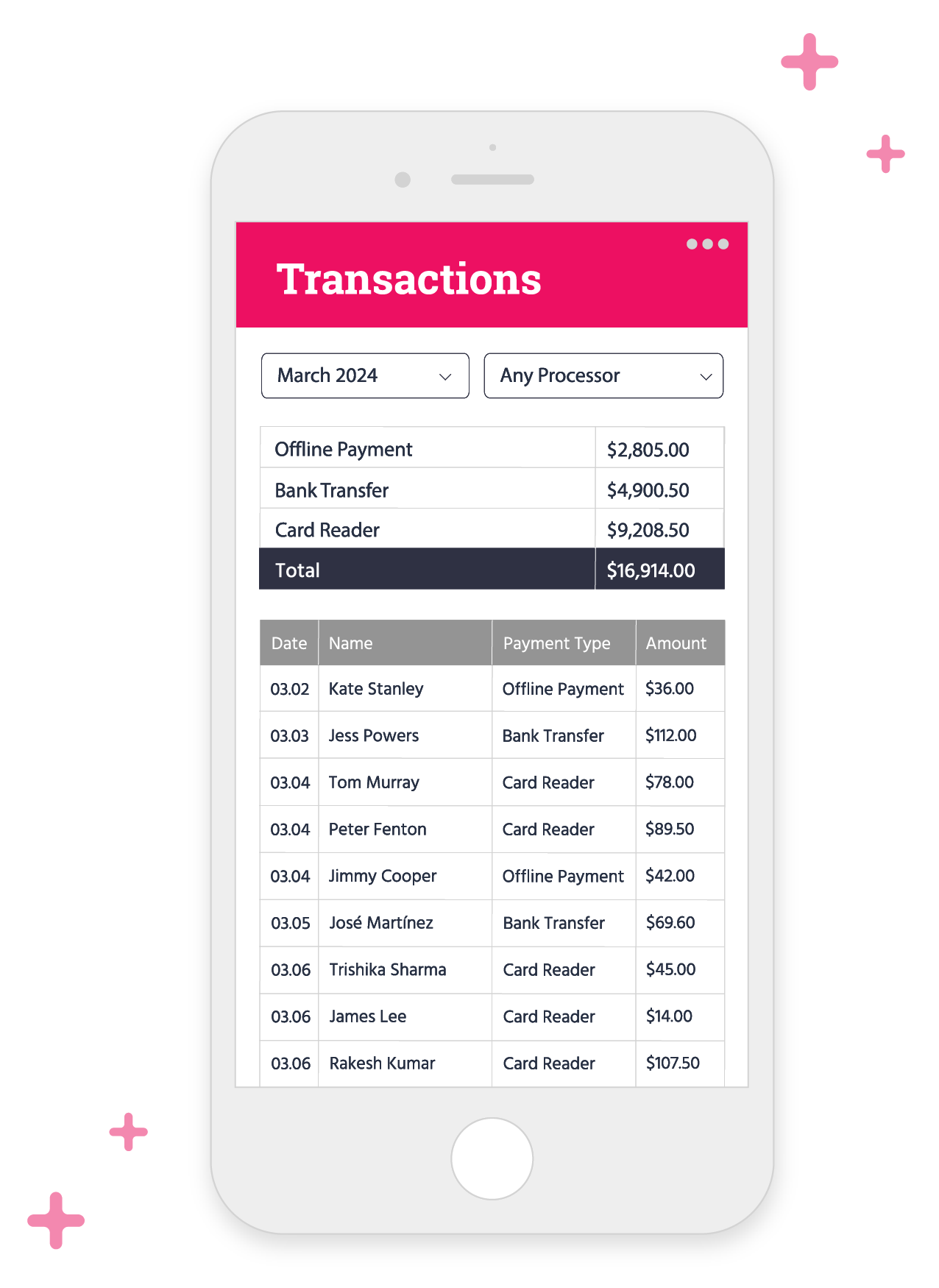
It's not just a card reader. It's our dedicated In-Person Payment solution for gyms that lets you accept card payments without creating any extra admin work for you. No more having to manually log a sale in your account. The payment processing hardware is linked with your TeamUp account to make in-person transactions frictionless and simplify reporting.
Make the switch to a credit card machine and enjoy lower processing fees with every transaction. No setup fees or monthly charges—just a transparent, flat-rate, pay-as-you-go model. Experience faster, more secure transactions, all while paying less compared to online purchases and manually entered card payments.

“Previously, we used an external app to accept in-person card payments at our gym but it was a mess, to say the least. It didn't integrate with our booking software, so we lost a lot of time entering the transactions manually. Having a card reader connected with TeamUp has made all the difference. The transactions appear directly in our reports, giving us all our online and offline sales data at a glance, and not to mention how much more convenient it is for our clients being able to tap to pay using their card or phone.”
“The card payment machine was so simple to set up. It only took a few minutes to connect the terminal to the Wi-Fi network at our gym and then pair it with our TeamUp account. I had thought that it was going to be really convoluted and needed you to be tech-savvy, but I couldn't have been more wrong!”
.webp)



Drive business revenue by moving away from 'cash-only' purchases.

A gym POS software and hardware integration facilitates financial management in gyms and fitness studios, enabling merchandise sales, membership processing, and inventory tracking. It supports various in-person payment methods for seamless financial transactions and simplifies administrative tasks.
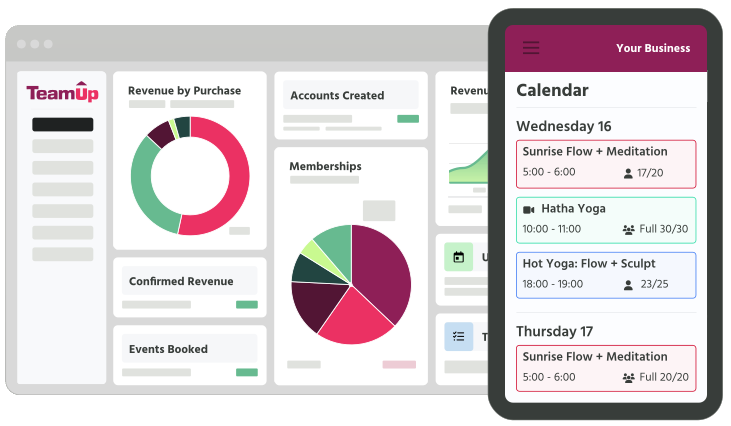
The gym POS system simplifies bookkeeping and accounting by automating the tracking and management of all payment transactions, including sales, memberships, and refunds. It also provides detailed financial reports. The automated integration between your TeamUp software and the payment processing hardware streamlines financial management and reduces manual data entry. From your TeamUp account, you can also export your transaction data in formats compatible with accounting software like Quickbooks.
The Stripe Terminal is currently available in the United States, Canada, United Kingdom, Ireland, Australia, New Zealand, Singapore, France, Germany, Spain, Netherlands, Belgium, Austria, Denmark, Sweden, Norway, Switzerland, Italy, Luxembourg, Portugal, Finland, Czech Republic, and Malaysia.
There is a one-time purchase cost for the card reader machine, in addition to Stripe's per transaction fee. Consult the RRP of the hardware and the payment processing fees here.
To process a payment using your card reader, Stripe charges a per transaction fee. More details can be found on this page.
TeamUp's POS system is currently only compatible with Stripe hardware.
The terminal can be purchased directly from Stripe. Click here to place your order (you'll need to sign in to Stripe or create an account if you don't already have one). If you need a helping hand, check out this support guide.
Yes! The terminal supports all major credit and debit cards, including Visa, Mastercard, and American Express. Customers with Apply Pay, Google Pay, or Samsung Pay can also tap to pay using their smartphone or wearable.
Follow our step-by-step guide to activate your POS hardware and connect it to your TeamUp account. You can also check out our interactive demo.
To get started, you'll need a Wi-Fi connection at the location where you'll be using the terminal.
There are three ways to take a payment with your POS terminal: 1) swipe the card's magnetic strip; 2) use the chip-and-PIN method; or 3) have the customer tap their contactless card, smartphone, or wearable device on the reader.
This guide walks you through how to take payments from your customers using your Stripe Terminal. You can also follow the steps in our interactive demo.
When you set up your In-Person Payment processing hardware, you'll need to assign it to one business location, meaning that it can only be used at that specific address. The good news is that there's no limit to the number of credit card terminals you can link to your account, giving you the option to use a reader at each of your facilities.
Switching from another gym POS software and hardware system to TeamUp is typically straightforward. TeamUp offers support to facilitate this transition smoothly, assisting at no extra cost to help maintain business continuity and customer satisfaction. Contact us today for more information about making the switch.