Manage members with poor attendance records the smart way
Our Penalty System automatically charges members a fee once they've met your late cancellation or no-show criteria.


Charging customers who repeatedly cancel last minute or simply don't turn up has never been easier. Reduce admin and keep repeat offenders in check with TeamUp's automated Penalty System.
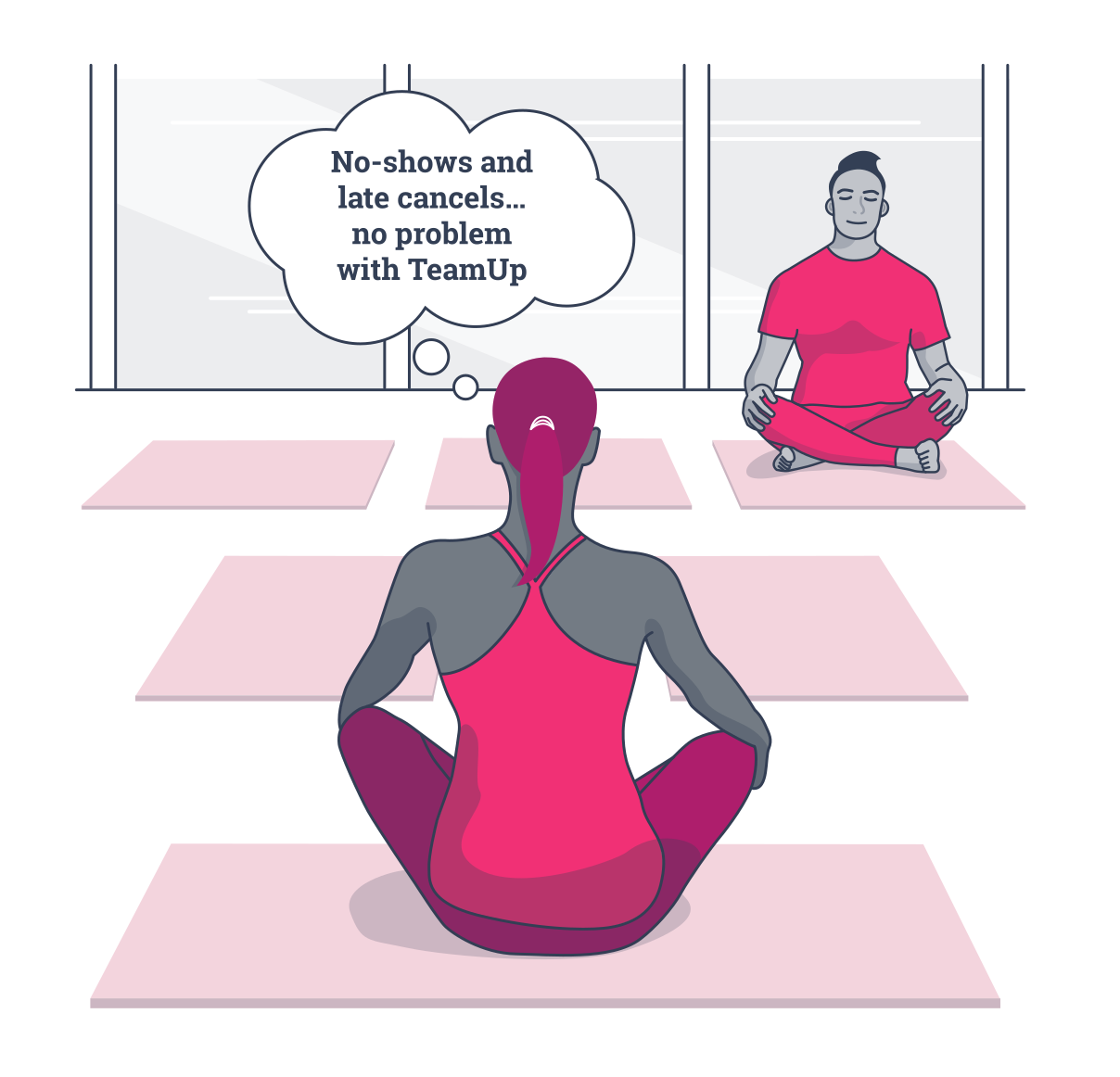

Our Penalty System automatically charges members a fee once they've met your late cancellation or no-show criteria.

Motivate your members to cancel in time. Free up slots for customers on the waitlist.

Configure different penalty criteria and fees. Apply them to your memberships in just one click.

Automatically charge members the penalty fee. Spend less time processing payments manually.

Override a fee if a customer had a valid reason for not attending. Reset the penalty count to zero.

Track penalty statuses, types, and fees. Use data to gain insights into member behavior and identify trends.

Notify members that they're on their way to receiving a sanction. It's over to them to avoid the penalty.


Do you find there are members who consistently drop out last minute, leaving spots that can't be filled?Late cancels and no-shows shouldn't cost your fitness business time or money! It's time to encourage your customers to get into the habit of canceling if they can't make it.

Enable automated penalty fees in just a few steps in your TeamUp account.

Define the number of strikes that comprise a penalty
Establish the period the strikes must occur within to count towards a penalty

Set the late cancel and/or no-show fee amount

Choose when the member's default payment method will be charged

Sit back while the automated system collects the penalty fee

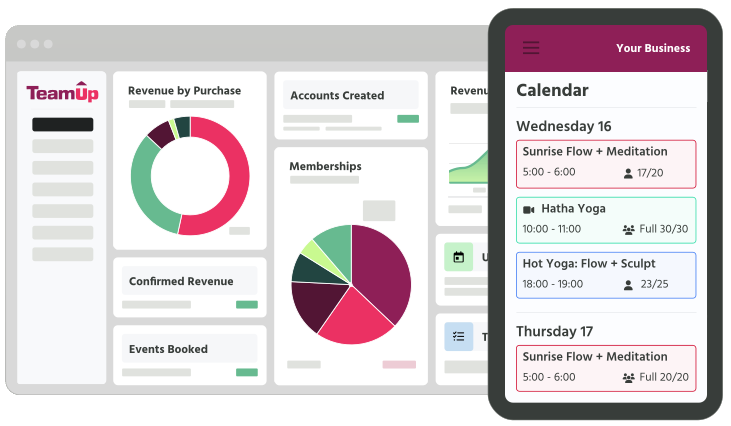



The Penalty System gives you the tools to charge customers on recurring memberships a fee for repeat late cancellations and/or no-shows. By doing so, you'll encourage them to book classes responsibly and reduce empty spots that could have been filled.
Clients on recurring memberships are charged a penalty fee when they reach a certain number of late cancellations or no-shows within a specified period of time. It's an automated system that's triggered once a member meets the penalty criteria you've defined.
When assigning a penalty to a membership, you have a choice of three systems. To trigger a fee, you can take into account the following actions: 1) late cancellations only; 2) no-shows only; or 3) late cancellations and/or no-shows.
No! If you've already integrated GoCardless or Stripe on your TeamUp account, you won't need to do anything. The Penalty System automatically charges the client's stored payment method for the associated membership, which means less admin for you.
The only time you would need to manually process a payment is if you change a member's status from "no-show" to "attended" after they've been charged; in this instance, you'd need to issue a manual refund or account credit.
If you've already integrated an online payment method, you can configure the Penalty System to automatically process the payment between three and seven days after the fee was triggered. To forgive a penalty, you'll need to go into a customer's memberships before this time and skip the payment, just as you'd normally do with any scheduled payment.
If you've already integrated an online payment method, you can configure the Penalty System to automatically process the payment between three and seven days after the fee was triggered. To forgive a penalty, you'll need to go into a customer's memberships before this time and skip the payment, just as you'd normally do with any scheduled payment.
Check out the Penalty Systems report, where you'll find a list of all late cancels and no-shows, as well as any resulting penalties and their statuses.
We recommend you configure Penalty System notifications in your TeamUp account. You can use personalized emails to notify members when a late cancel or no-show counts towards a penalty, and again when the penalty fee has been triggered.
Yes, this is a core feature that's included regardless of the pricing plan you're on. No business owner should have to take the hit for members repeatedly canceling at the last minute or not turning up.
To get started, head to Pro Tools on your dashboard and click Penalty Systems.
For a step-by-step guide on creating and assigning a Penalty System to your recurring memberships, you can watch our interactive demo or check out our help guide. It's quick and easy to configure!